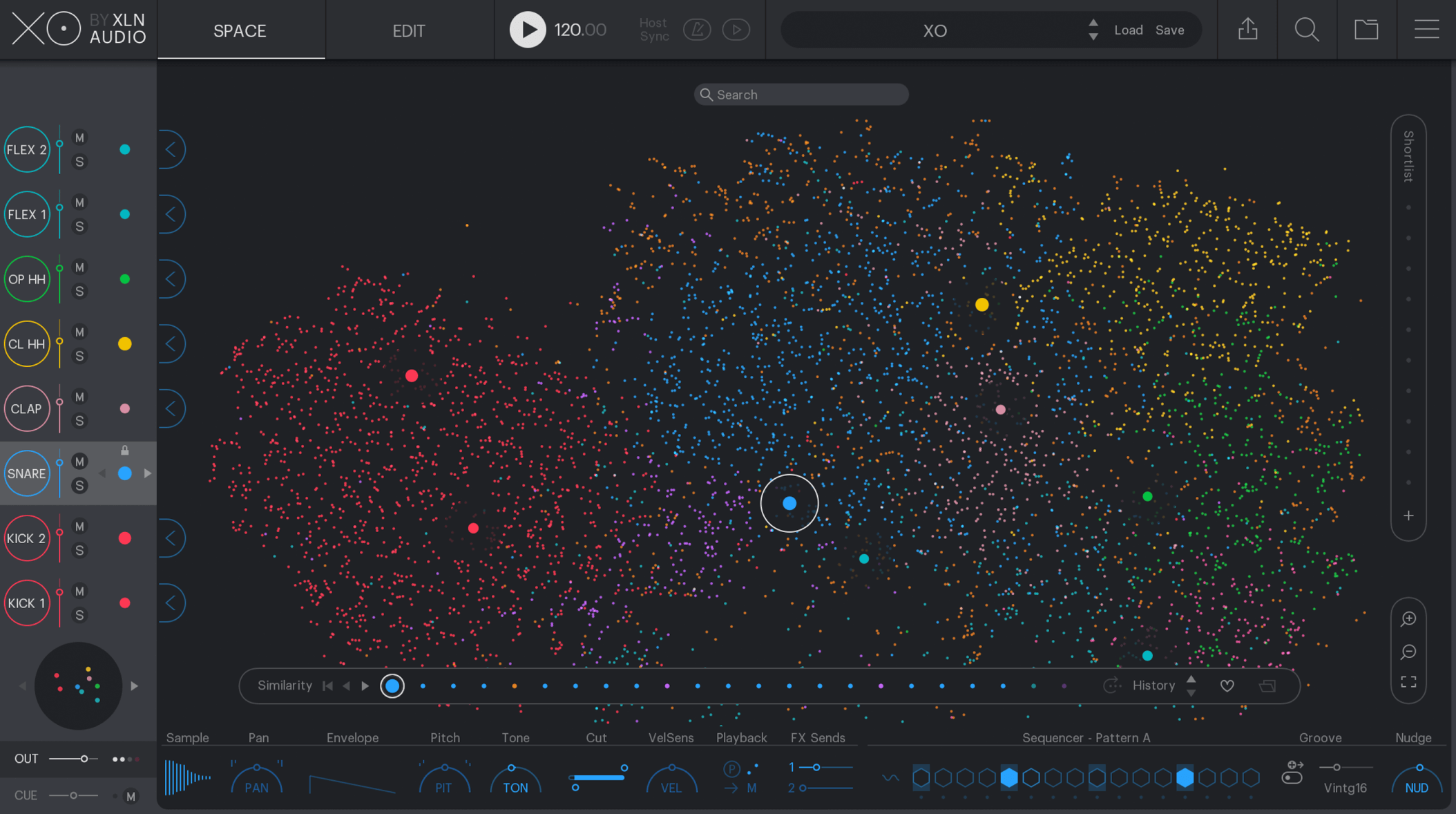
The Map Window has everything you need to make your E-Drums work with Addictive Drums. Pick a Map Preset for your E-Drum model and start jamming or choose your own settings and customize the key maps to your own liking. You can also tweak the settings for the individual kitpieces to further personalize your setup.
This video shows you the features of Addictive Drums Map Window.
All the settings you need to make your E-Drum kit work with Addictive Drums are located on this page for easy access.

“The mapping window is fantastic, got the whole kit mapped out in no time and the CC hi-hat control is excellent.”
All settings in the Map Window can be saved and loaded as a Map Preset. Addictive Drums comes with a large number of Map Presets for the major E-Drum models, so you can simply plug and play. You can also save your own custom created map and load it whenever you want. Your User Map Presets will be saved in the AD User Folder.
The keyboard view shows how the kipieces and stroketypes are mapped across a keyboard. Simply drag and drop a stroketype from the StrokeType List to a key to map it. You can also drag a stroketype from one key to another. This makes it very easy to make your own key maps.
Use the Global Velocity sliders to edit the velocity response for all kitpieces and stroketype at the same time. For example, make the entire drumkit louder by bringing the slider up, or make it softer by bringing it down.
Edit the velocity curve for each kitpiece with this tool. You can make a kitpiece reach high velocity levels easier by making the curve steeper, good for harder styles of music, or you can do the opposite by leveling it, good for softer styles of music. This makes the E-Drums behave differently. Either it becomes more sensitive and reaches high velocity levels faster, or it becomes less sensitive and you have to hit it harder to bring the velocity levels up.
This area lets you edit settings for Positional Sensing on the snare and ride and turn cymbal chokes on/off. By editing the range of the positional sensing on the snare you can customize wich areas that triggers the different snare samples. If you bring the range up a larger area of the drum will trigger an edge snare drum sample and if you bring the range down you will have to hit it right at the edge of the pad to trigger it. The same goes for the ride cymbals different samples.
Here you can customize the CC hihat settings by editing the transition values for the different hihat stroketypes and openness. You can for example give “hihat open C” a larger area of the hihat CC range if you prefer that openness. You can also tweak the footchick and footsplash sensitivity to your liking.
In the stroketype list you can view and listnen to the different stroketypes for each kitpiece. You can easily drag and drop the stroketypes out to different keys on the keymap and alter the volume and velocity for each stroketype.
The MIDI Monitor gives you important information on the last two midi events received by Addictive Drums. It shows you the note and velocity of the MIDI signals and the stroketypes they transform into.