Download the XLN Online Installer
The XLN Online Installer is a one click solution to download, install, update and authorize your XLN products. It also lets you add trials of products you don't own.

Frequently Asked Questions
Need help? Don’t hesitate to get in touch with Support
-
Download the installation package for macOS
Download for macOS -
Open the
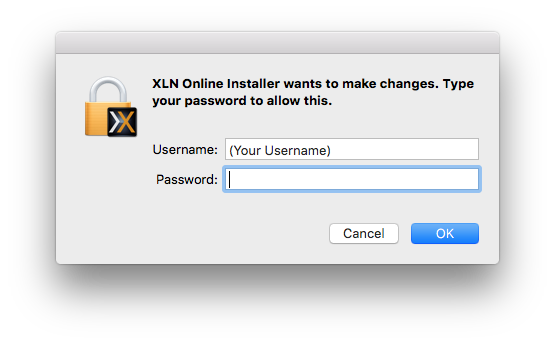
XLN Online Installer.dmgfile and double click the XLN Online Installer icon to install and run it.Type in your macOS account password to give the XLN Online Installer hard drive permission.
-
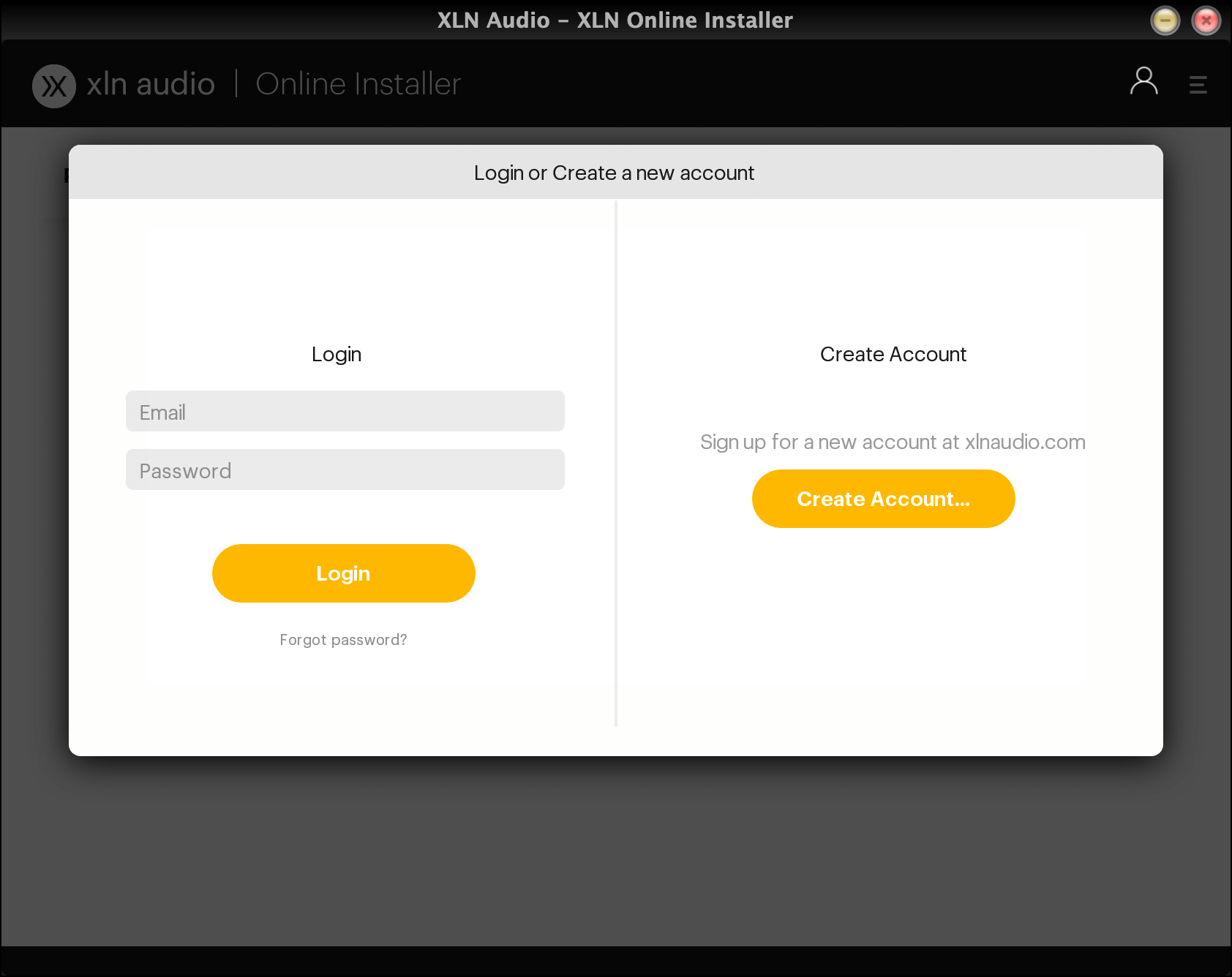
Use your XLN account credentials to log in to the XLN Online Installer.
-
Make sure that you have the XLN Online Installer set as a trusted if you run any anti-virus software, and that there isn't any firewall blocking the XLN Online Installer's connection.
-
Download the installer for Windows (64 bit only)
Download for Windows -
Run the downloaded file
XLN Online Installer.exe -
Use your XLN account credentials to log in to the XLN Online Installer.
-
Make sure that you have the XLN Online Installer set as a trusted if you run any anti-virus software, and that there isn't any firewall blocking the XLN Online Installer's connection.
If you buy a product directly in our webshop you will not receive a product key - your product will be unlocked in your account automatically.
If you buy an XLN Audio product from somewhere else you will receive a product key. Enter it on the Register Product page in your xlnaudio.com account to unlock the product(s).
Register product keyProduct Keys come in two different formats:
R-1001-10-123456-ABCD
R-ADAD-123456-ABC-DEF
Note: Products keys are single use only, once a key has been registered you will not need to use it again. We help keep track of all your products and licenses for you.